One workout, start to finish
You teach it once. After that, every set runs the same way and you never let go of the bar to press a button.
Once · about a minute
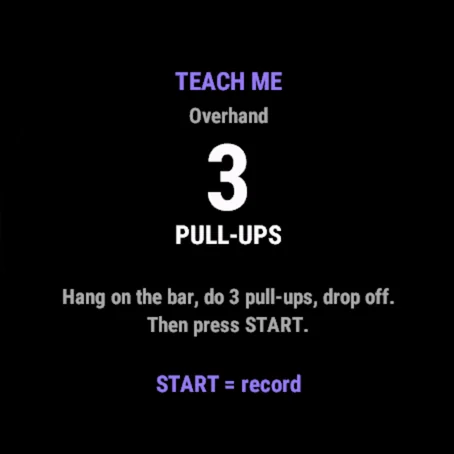
Teach me: 3 reps
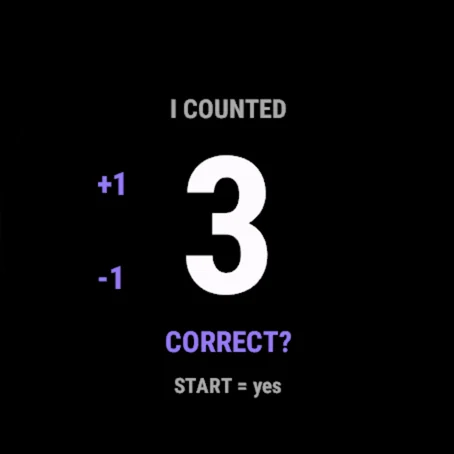
Hang on the bar and do 3 pull-ups. The watch finds the reps in your wrist motion and asks “I counted 3, correct?”.
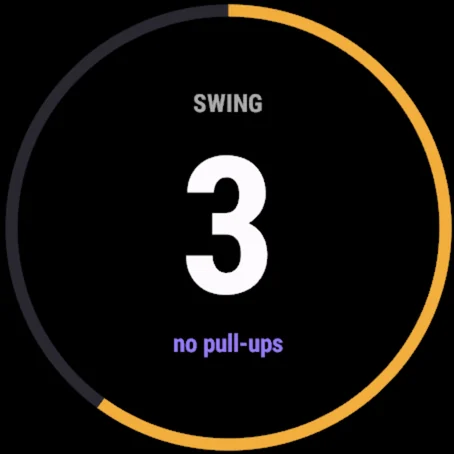
Swing for 5 s
Now just hang and swing. The watch learns what is not a rep.
Every set
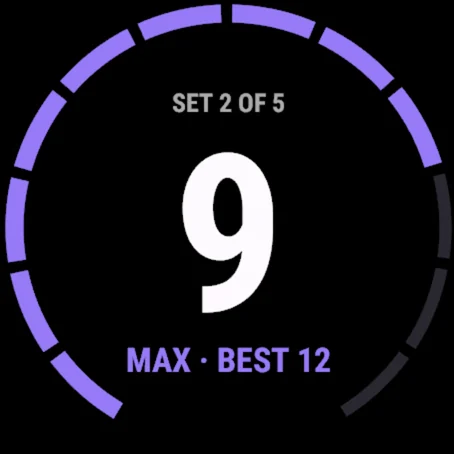
Pull, hands-free
The set starts when you hang and ends when you drop. A short tap for every rep, a long buzz at the target.
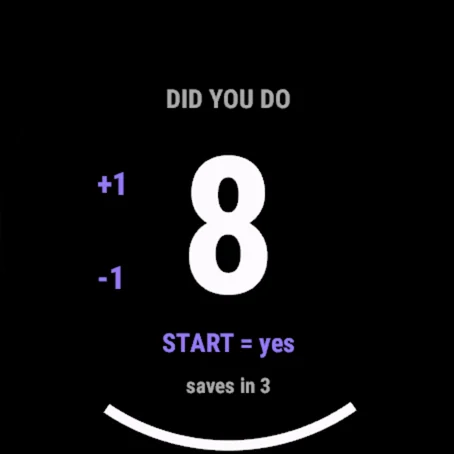
“Did you do 8?”
START means yes. UP and DOWN fix the number. It saves itself after 4 s.
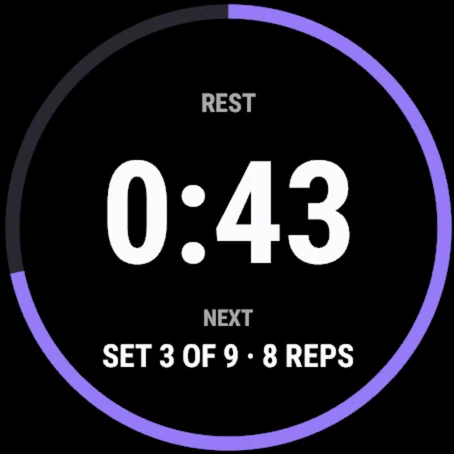
Rest, next set below
A big timer with the next set right under it. Taps at 5, 4, 3.
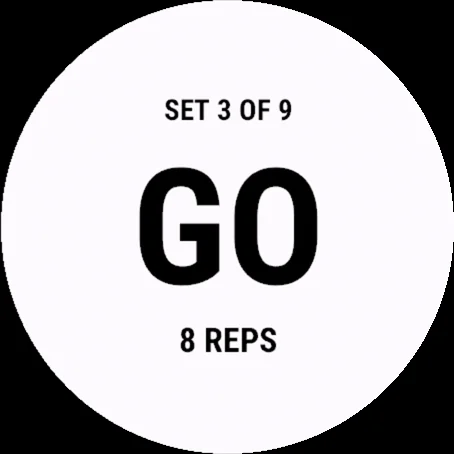
GO
The whole screen turns white. Grab the bar.
Why it counts your pull-up
Three reps become your rep.
In a pull-up your hands hold the bar, so the watch only feels your forearm tilting and small accelerations. A fixed threshold misses reps or counts one twice. Pull-Up Rise builds a profile of your own rep instead: its rhythm, size and shape.
Every set you confirm tunes it a little, in small, bounded steps, so one odd set never throws it off. Separate profiles for overhand, underhand and neutral grip.
Teach me: wrist motion of your 3 reps
A set: each rep matched to your profile
We do not print an accuracy number we have not measured on real users. You see the count after every set and confirm or fix it with one press. Prefer to count yourself? Manual mode is one setting away.
Pick a program. It tells you what today is.
Start with a max test. Your training numbers come from it.
Armstrong-style week
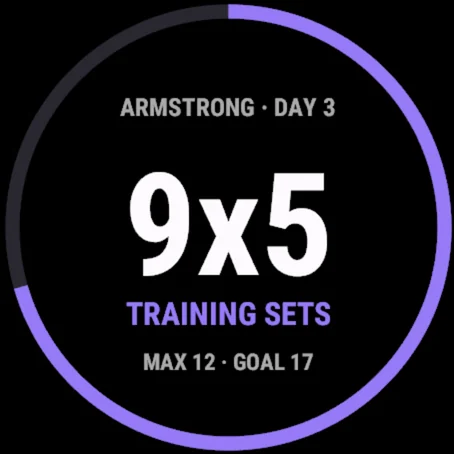
Mon to FriFive days, after the USMC program of Charles Armstrong. Day 1: five max sets. Day 2: a pyramid 1-2-3 until you miss, then one max set. Day 3: nine training sets in three grips. Day 4: as many training sets as you can. Day 5: repeat your hardest day. Versions of the program differ, so we call ours Armstrong-style.
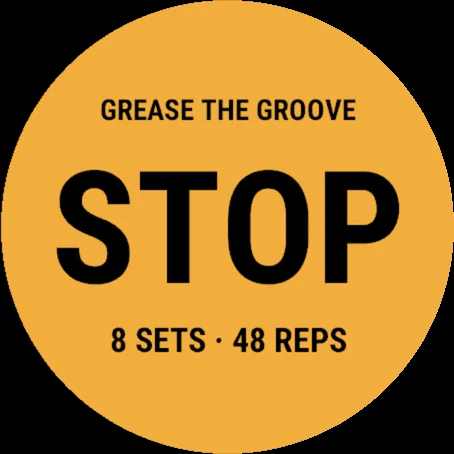
Grease the GrooveSTOP
All day, short setsMany small sets through the day at about half your max, never to failure. The watch shows today's progress, for example 3 of 8 sets, and a full-screen amber STOP when today is done.
Ladders
Volume without failure1, 2, 3 and up to your top rung, with rest by rung. Then climb the ladder again.
Max test
Day one, then now and thenOne set to failure. It sets your training numbers.
Free sets
Any workoutNo plan. Just count, any number of sets, with the rest timer.
Built for the bar
Everything runs on the watch. No phone app, no account, no ads.
Hands stay on the bar
The set starts when you hang, arm up for about a second, and ends when you drop. START works as a backup.
Feel it, don't look
A short tap for every counted rep, a long buzz at the set's target, 5-4-3 taps before the rest ends.
One press per set
“Did you do 8?” START = yes, UP or DOWN = +1 or -1. Every answer tunes your profile. Go down to 0 to drop a wrong set.
Three grips
Separate profiles for overhand (pull-up), underhand (chin-up) and neutral. Re-teach any of them in Settings.
Strict reps only
Swinging on the bar and kipping are not counted. Teaching is optional: skip it and a starter profile from published wrist-sensor research is used.
Manual mode
Rather count yourself? Switch to manual and set the reps with UP and DOWN after each set.
Garmin Connect
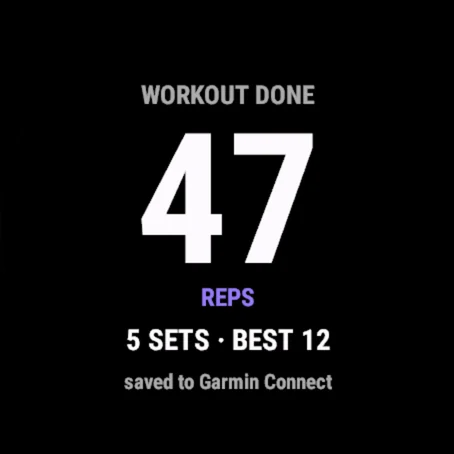
A Strength activity with heart rate and calories. Every set is a lap with its reps, plus total reps and best set.
History on the watch
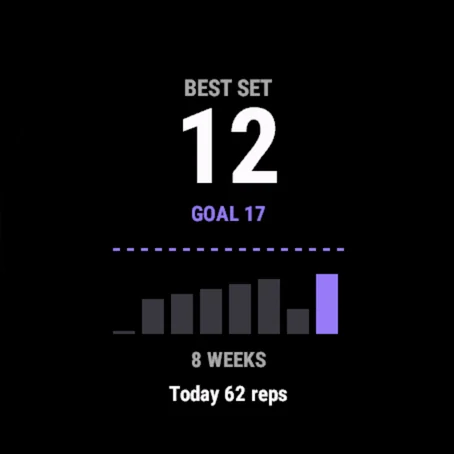
Best set per week against your goal, today's total and your workouts. Delete a wrong workout.
36 languages
The watch app follows your watch language.
After the last set
The workout is saved as a Strength activity with heart rate and calories from the watch. On the watch you see your best set per week against your goal.
Connect IQ apps cannot write Garmin's own strength “sets” list, so in Garmin Connect your sets show up as laps with a Reps field.
Works on your Garmin
About 93 Garmin watches. The store page shows the exact list for your model.
- fēnix 6 Pro, 7, 8 and fēnix E
- epix (Gen 2) and epix Pro
- Enduro
- MARQ
- Forerunner 165, 245 Music, 255, 265, 570
- Forerunner 745, 945, 955, 965, 970
- Venu, Venu 2, 3, 4, Venu Sq 2, Venu X1
- vivoactive 4, 5 and 6
- Instinct 3 AMOLED
- Descent, D2, Approach S50 and S70
Pay once, keep pulling
- One purchase in the Garmin Connect IQ Store, no trial
- No subscription, no account, no ads
- No phone app needed. Nothing leaves the watch except the activity it syncs to Garmin Connect
- All five programs, three grips, 36 languages
Questions
How accurate is the counting?
We do not give a percentage, because we have not measured it on real users. What we can say: it learns from your own reps, every set ends with “Did you do 8?” so you see the count and fix it with one press, and each answer tunes your profile. If you prefer, count by hand in manual mode.
What shows up in Garmin Connect?
A Strength activity with heart rate and calories. Every set is a lap with a Reps field, and the activity has Total reps and Best set. Connect IQ apps cannot write Garmin's native strength “sets” list, so your sets appear as laps, not as exercise sets.
Is Grease the Groove saved as many activities?
No. GtG sets are kept in the app's day log on the watch, not saved as separate activities, so Garmin Connect does not fill up with tiny workouts.
Does it count kipping or swinging?
No. It counts strict reps. Teaching includes 5 seconds of swinging, so the watch learns what is not a rep.
Do I have to teach it?
No, you can skip it. Then a starter profile based on published wrist-sensor research is used until you teach it. Teaching takes about a minute and you can re-teach any time in Settings.
Chin-ups and neutral grip?
Yes. Overhand, underhand and neutral grip each have their own profile.
Is this the official Armstrong program?
There is no verified original document and the versions you find differ in details. Ours follows the common five-day structure, so we call it Armstrong-style.
Does Grease the Groove work?
There is no controlled study on GtG itself. Two meta-analyses support the idea behind it: splitting the same volume into more sessions does not reduce strength gains (Grgic et al., 2018), and training to failure is not needed for strength (Grgic et al., 2022). The app does not send reminders, you choose when to do a set.
Do I need my phone?
No. Programs, counting and history all live on the watch. Your phone only syncs the finished activity to Garmin Connect, as with any workout.